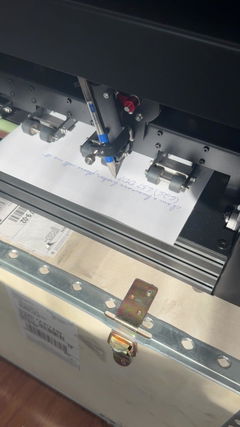
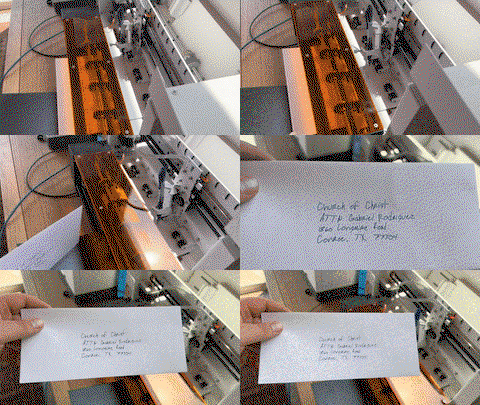
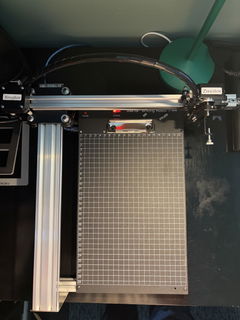
Robot da disegno con plotter a penna iDraw H A3, macchina da disegno con plotter a penna, 300% più veloce di altri
Condividere
Impossibile caricare la disponibilità di ritiro

Shipping, Warranty & Support
Free Worldwide Shipping
Delivered anywhere in the world at no extra cost.
30-Day Easy Returns
Hassle-free returns or exchanges within 30 days.
Lifetime Care Guarantee
Support for your machine for its entire lifetime.
Dedicated Customer Support
Help available via email, chat, or Zoom.
Free Personal Training
Learn to set up and use your machine easily.
Caratteristiche principali
-
Scrittura in blocco senza sforzo con unione di e-mail e supporto dei font Hershey
Tutti i plotter a penna UUNA TEK iDraw supportano la funzione "Email Merge" per la scrittura in blocco di lettere, buste, biglietti e inviti. Utilizza i font Hershey per una scrittura simile a quella umana.
-
Velocità senza pari: 3 volte più veloce degli altri
La versione UUNA TEK H ridefinisce il gioco con una velocità di scrittura fino a 12.000 MM/MIN, posizionandosi a chilometri di distanza dalla concorrenza.
-
Tecnologia all'avanguardia
Alimentato dalla scheda madre Drawcore V2.0 e dotato del firmware GRBL Compatibility, rappresenta l'apice dell'innovazione.
-
Precisione ridefinita
Ottieni una precisione meccanica meticolosa con una risoluzione minima di 0,01 mm per entrambi gli assi Y e X, assicurandoti che le tue creazioni siano precise fin nei minimi dettagli.
-
Incisione laser versatile
Scegli tra teste laser con potenza da 500 mW a 15 W, che ti consentono di incidere vari materiali, dal legno alla plastica, dalla pelle alla carta.
-
Controllo intuitivo
Gestisci senza problemi la potenza, la velocità di incisione e i formati di input con i componenti aggiuntivi UUNA TEK 2.0 Control.
-
Connettività intuitiva
Si collega tramite USB o Bluetooth, offrendo flessibilità per diversi sistemi operativi, tra cui Windows 7/8/10, Mac OS e Linux.
Contenuto comprimibile
Specifica
1. Scheda madre: Drawcore V2.0
2. Firmware: compatibilità GRBL
3. Componenti aggiuntivi: controllo UUNA TEK 2.0
4. Materiali del telaio: profilo in alluminio + piastra in acciaio
5. Area di lavoro: 420 x 297 mm
6. Motori: 4 motori passo-passo da 42 mm
7. Precisione meccanica: Y: 0,01 mm, X: 0,01 mm
8. Potenza laser: 500 mW/1600 mW/2500 mW
9. Area di incisione: 420 x 297 mm
10. Lunghezza d'onda: 445 ± 5 nm
11. Messa a fuoco: fuoco fisso
12. Modalità di controllo: PWM
13. Velocità di potenza: S0-S1.000
14. Velocità di incisione: 0-5.000 mm/min
15. Velocità di scrittura: 0-12.000 MM/MIN
16. Velocità di trasmissione: 115200 - 921600 (predefinito: 115200)
17. Formato di input: JPG, JPEG, PNG, BMP, SVG, ecc.
18. Tensione di ingresso: 110 V-220 V (compatibile)
19. Uscita adattatore di alimentazione: 12 V / 1 A
20. Temperatura di esercizio: -20 ℃ - 50 ℃
21. Dimensioni del prodotto: 525 x 570 x 160 mm
22. Peso netto: 4-5 kg
23. Interruttore limitato: Y
24. Angolo regolabile per la penna: 70-90 gradi
25. Connettività: USB, Bluetooth
26. Sistemi operativi e software supportati: Windows 7/8/10 (Inkscape), Mac OS (Inkscape per scrittura e disegno, Lightburn per incisione laser), Linux
Elenco del contenuto della confezione
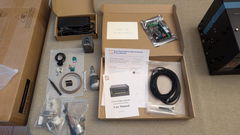
1 plotter a penna UUNA TEK iDraw H A3
*1 piastra di base A3 (opzionale)
1 kit di utensili
1 guida rapida
1 biglietto di ringraziamento
Software
Scarica il software Inkscape e i file completi qui >>>.
Puoi trovare il software per Windows, Mac, Linux, così come la guida all'assemblaggio dell'hardware e i dettagli di installazione del software.
Per chi necessita di funzioni avanzate:
1. Per chi necessita della funzione di salvataggio del file grafico, scarica questa versione >>>
2. Per chi necessita della funzione di unione e-mail,
Windows: scarica questa versione >>>
Mac o Linux: scarica questa versione >>>
3. Per chi necessita della funzione laser, scarica questa versione >>>
4. Cosa succede se ho delle nozioni di programmazione di base e voglio modificare i parametri originali per superare il limite di velocità? Scarica questa versione >>>
Tutorial
Per il plotter a penna UUNA TEK 1.0, guarda i tutorial video qui>>>
Per il plotter a penna UUNA TEK 2.0, guarda i tutorial video qui>>>
Per il plotter a penna UUNA TEK H, guarda i tutorial video qui>>>
Per il software, guarda i tutorial video qui>>>
Per la funzione laser, guarda i tutorial video qui>>>
Politiche
Politica di spedizione: tutti gli ordini saranno evasi entro 48 ore lavorative. Tutti i pacchi saranno spediti tramite DHL/UPS/USPS dai nostri magazzini cinesi o dal magazzino Amazon; la consegna a destinazione richiederà 5-7 giorni lavorativi. Avviso di ritardo durante i periodi di saldi. Consulta la politica completa qui>>>
Politica di reso: offriamo una garanzia di 1 anno per tutti i prodotti. Reso e rimborso gratuiti saranno forniti solo per eventuali problemi di qualità o danni durante la consegna. Contattaci tramite support@uunatek.com prima di restituire il prodotto. Consulta la politica completa qui>>>
| iDraw H vs iDraw H SE – Comparison Table | ||
|---|---|---|
| Feature | iDraw H | iDraw H SE |
| Motherboard | Drawcore V2.0 | Drawcore V3.0 |
| Firmware | GRBL Compatible | GRBL Compatible |
| Software Support | Inkscape Writing, Inkscape Drawing, Lightburn for Laser | Full AxiDraw Functions + Python API + CLI |
| Connectivity | USB, Bluetooth | USB |
| Working Area | 420 × 297 mm (A3); A2/A1/A0 options available | 297 × 210 mm (A4) |
| Mechanical Precision | X/Y: 0.01 mm | X/Y: 0.01 mm |
| Writing Speed | Up to 12,000 mm/min | Up to 12,000 mm/min |
| Engraving Speed | 0–5,000 mm/min | 0–5,000 mm/min |
| Laser Power Options | 0.5W / 1.6W / 2.5W / 10W / 15W | N/A |
| Frame Material | Aluminum + Steel Plate | Aluminum |
| Pen Angle Adjustability | 70–90° | 70–90° |
| Supported OS | Windows, Mac, Linux | Windows, Mac, Linux |
| Input Formats | SVG, PNG, JPG, JPEG, BMP | SVG, PNG, JPG, JPEG, BMP |
| Power Adapter Output | 12V / 1A | 12V / 1A |
| Operating Temperature | -20°C to 50°C | -20°C to 50°C |
Domande frequenti
Perché la mia funzione Auto Home non funziona bene?
Ecco alcuni suggerimenti per l'utilizzo della funzione Auto Home.
1. Verificare che i cavi dell'interruttore di contatto siano collegati correttamente, seguendo questa guida: https://www.youtube.com/watch?v=5B4nb2k6eAc
2. Spostare manualmente il carrello dell'asse X verso sinistra fino in fondo e verificare che tocchi l'interruttore di contatto dell'asse X.
3. Spostare manualmente il carrello dell'asse Y all'indietro fino in fondo e verificare che tocchi l'interruttore di contatto dell'asse Y.
4. Assicurarsi che i cavi siano disposti correttamente in modo che non rimangano impigliati nei carrelli XY, consultando questa guida per organizzare il cavo dell'asse Z: https://www.youtube.com/watch?v=LTwPYPh3rdE
Cosa devo fare se premo il pulsante rosso e la macchina si ferma? Posso riprendere la trama?
Sì, puoi riprendere il lavoro dopo aver premuto il pulsante rosso di arresto di emergenza. Una volta premuto, la macchina si metterà in pausa e attenderà ulteriori istruzioni. Per continuare:
1. Apri il software Inkscape.
2. Vai al menu Estensioni.
3. Trova la sezione Riprendi.
4. Seleziona Riprendi (da casa) o Riprendi (da dove sei stato interrotto) a seconda che tu voglia riprendere dall'inizio o continuare esattamente dal punto di interruzione.
👉 Suggerimento: assicurati sempre di scegliere l'opzione di ripresa corretta in base all'avanzamento del progetto per evitare sovrapposizioni o disegni incompleti.
Perché il mio plotter a penna iDraw genera un errore quando disegno un disegno più grande di 215 × 300 mm, anche se voglio usare il formato A3?
Questo accade solitamente se nelle impostazioni del software è stata selezionata la dimensione del modello errata. Per impostazione predefinita, il software potrebbe essere impostato su un modello più piccolo (ad esempio A4), limitando l'area di stampa massima.
Per risolvere il problema, vai su:
Opzioni → Configura modello iDraw → Scegli formato A3
Quindi riprova a stampare. Una volta selezionata la dimensione corretta del modello, la macchina supporterà l'intera area di stampa A3 senza errori.
L'asse Z può regolare la distanza di lavoro?
Sì, l'asse Z può regolare la distanza di lavoro da 0 a 10 mm.
È possibile controllare il tempo in cui la penna rimane abbassata?
Sì, è possibile controllare il tempo in cui la penna rimane abbassata.
La macchina supporta i comandi G-code?
L'asse Z può sollevare e premere senza problemi con un carico utile di circa 30–35 g (come una sonda in acciaio pieno Ø10 mm, lunghezza 5 cm)?
Sì, è possibile. La macchina supporta carichi fino a 200 grammi e un diametro massimo di 15 mm.
Il telaio è sufficientemente stabile da evitare vibrazioni durante la pressione?
Sì, l'H A3 pesa 7 kg ed è sufficientemente stabile. La velocità di funzionamento è regolabile.
Se è possibile modificare l'impostazione di quanto possono essere sollevate/abbassate le penne?
Il codice limita l'altezza dell'asse Z per impostazione predefinita, ma è possibile regolare le seguenti impostazioni come immagini per una maggiore flessibilità.
1.idraw_deps>idraw2_0internal>idraw.py
Regola l'altezza da 10 all'altezza desiderata, ad esempio 30, su self.options.pen_pos_up e self.options.pen_pos_down.
Scarica l'immagine 1
2. idraw2_0.inxRegola max="10.0" all'altezza desiderata su 5.0
Scarica l'immagine 2
I am using the plotter from last 14 days i am loving it. Plus the guide available online make it very easy for me to set up plotter quickly. A little prob i face was it took me time to find where should i start the plot from ( few trial and error i find its top right corner ) rest everything was smooth and perfect. Thanks
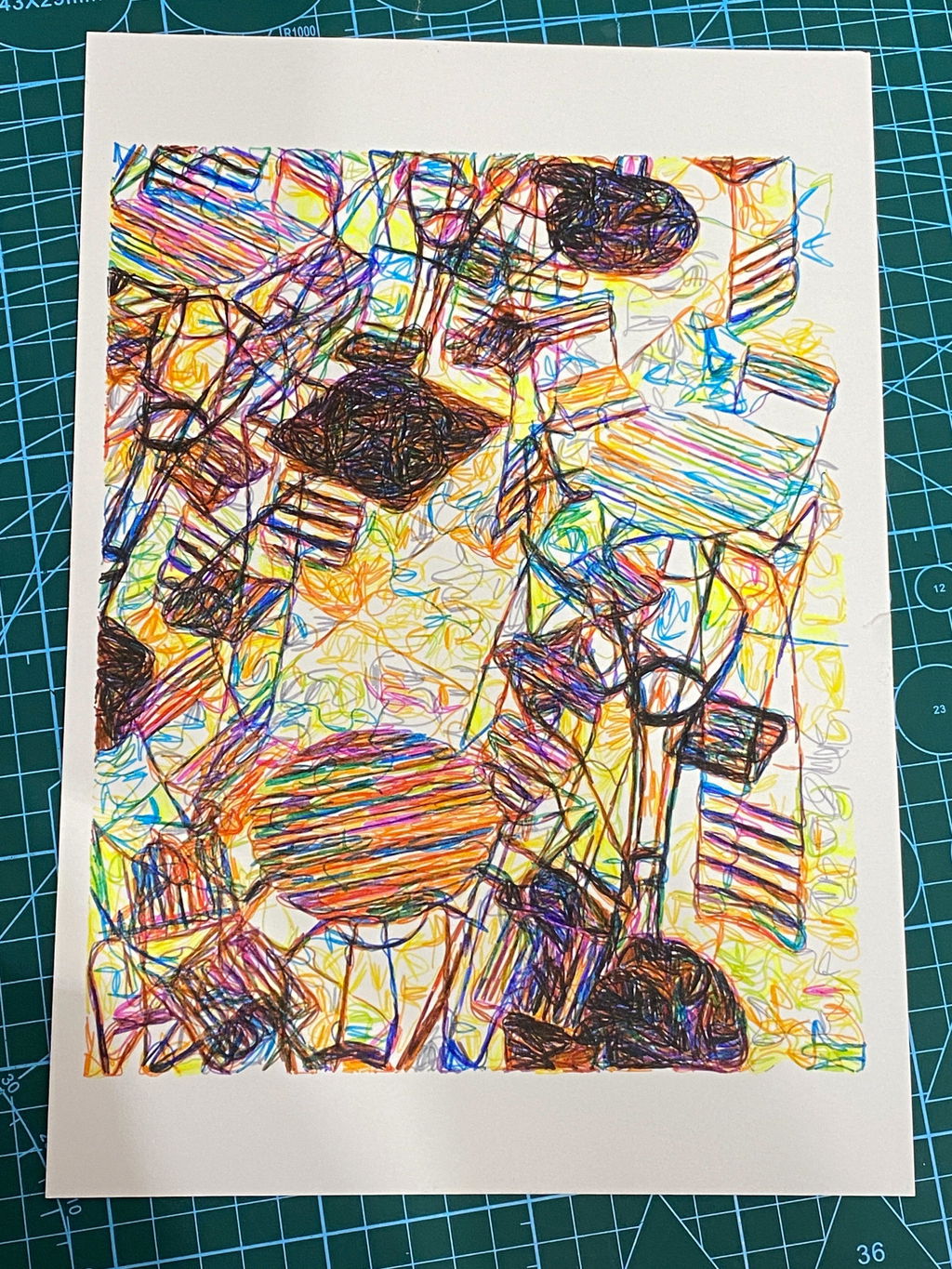
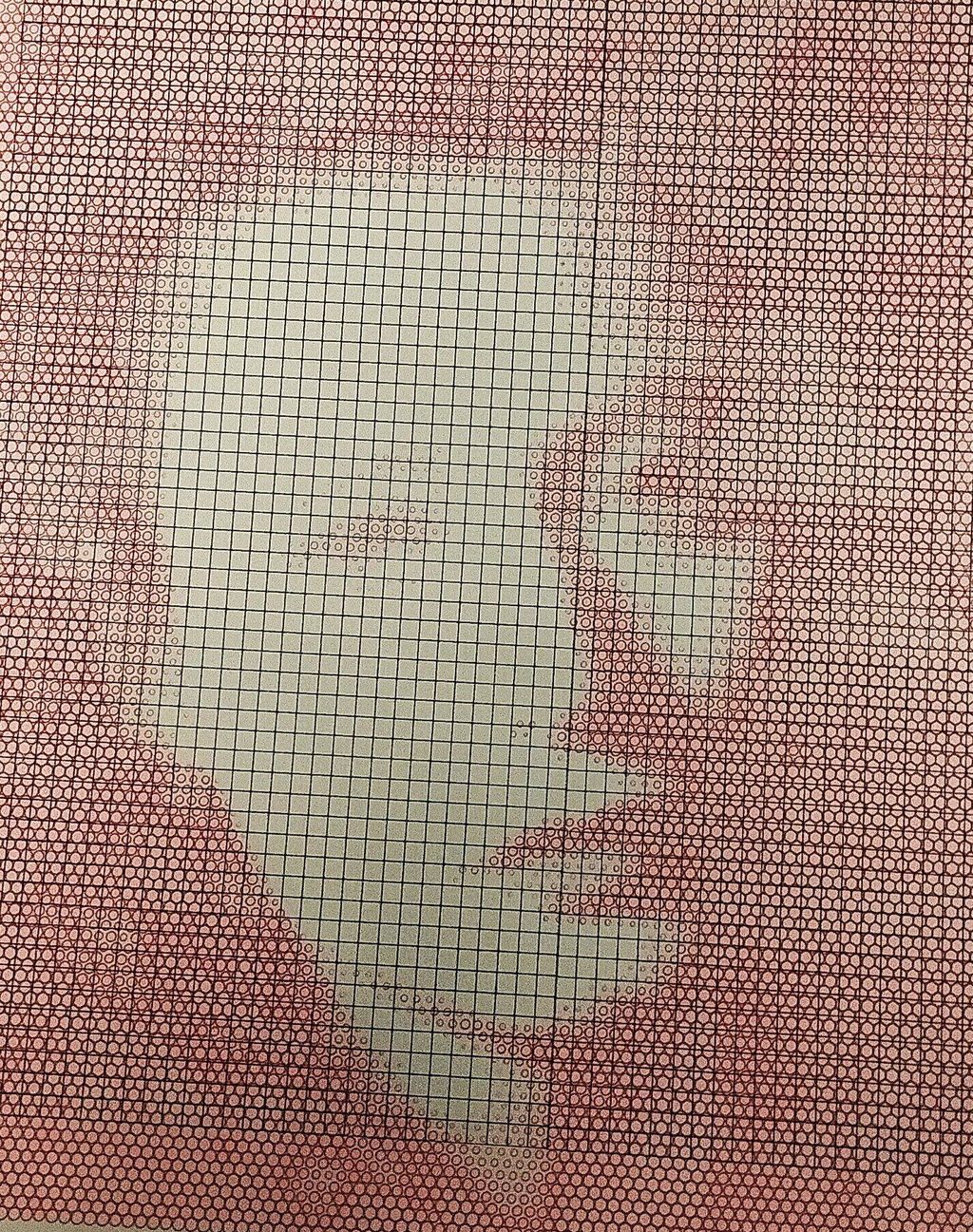
My first pen plotter the Uuna Tek H A3. I settled on this make and model after watching many videos on YouTube. Uuna Tek consistently came out looking the best so I took the plunge and pressed the buy it now button. A week later I had a large box delivered! Opening the box, it's clear the machine was well packed to withstand shipping. A "hand written" thank you card was a nice touch. Assembly was simple and straightforward. The machine is nicely designed and definitely has a quality feel to it. The software was easy to install, I used the inkscape download (with plugins pre-installed) from the Uuna Tek website. All very straightforward and simple! I've attached a couple of my first prints. I'm absolutely delighted with the machine and the quality of the plots it produces. If you, like I was, are initialising hesitating to press "buy it now" - then don't. Press that button - you won't regret it! Regards to you all from a very wet UK.
I am absolutely loving my UUNA TEK iDraw H A3 Pen Plotter! I have been using it every single day since I got it. One of the best things about it was the setup process. It was incredibly easy to assemble and get running right out of the box. The instructions were clear, and I didn't run into any issues at all.
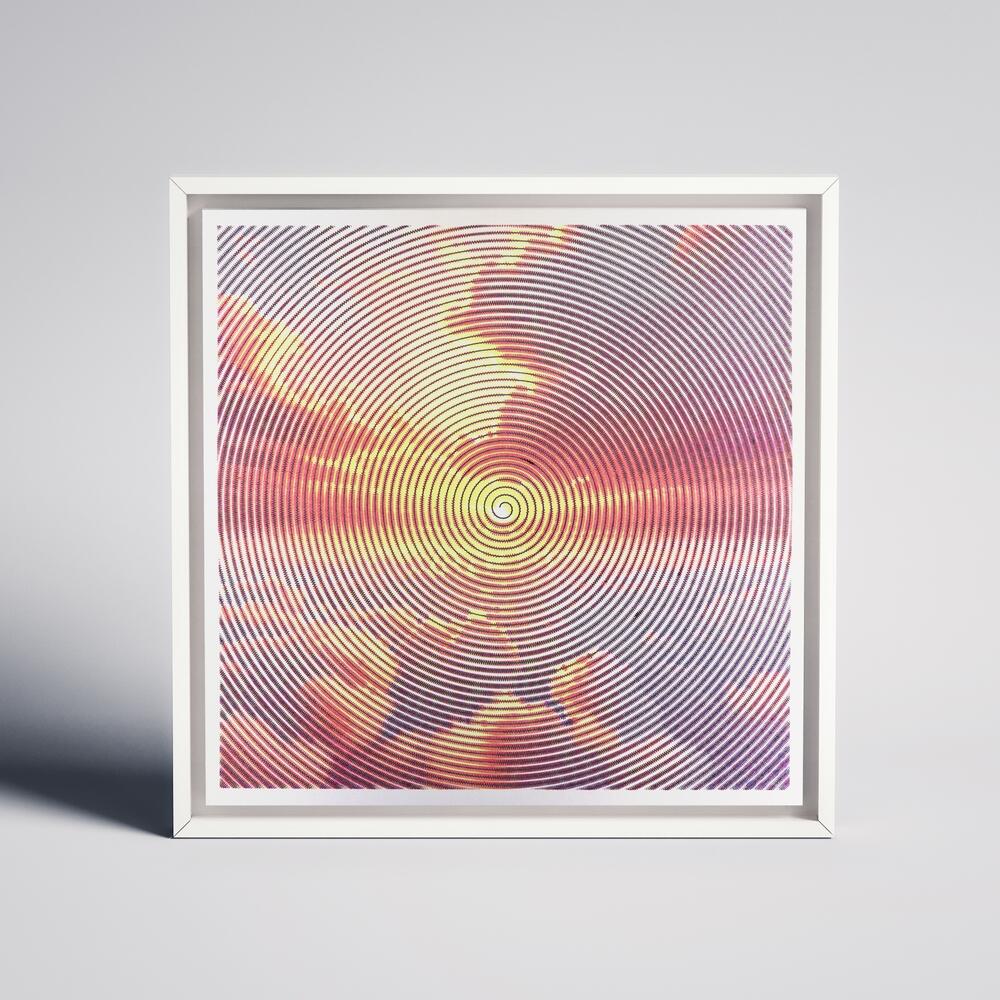
I'm attaching a few pictures of the projects I've created with this plotter so far. It's a fantastic tool and I highly recommend it!
My UUNATEK Writing Robot A3 is pure creative joy packed into a precise little powerhouse. It’s extremely fun to use, surprisingly versatile, and after following a clear tutorial on the UUNATEK website to set up CNCjs on a Raspberry Pi, I now run my iDraw as a fully wireless pen plotter.
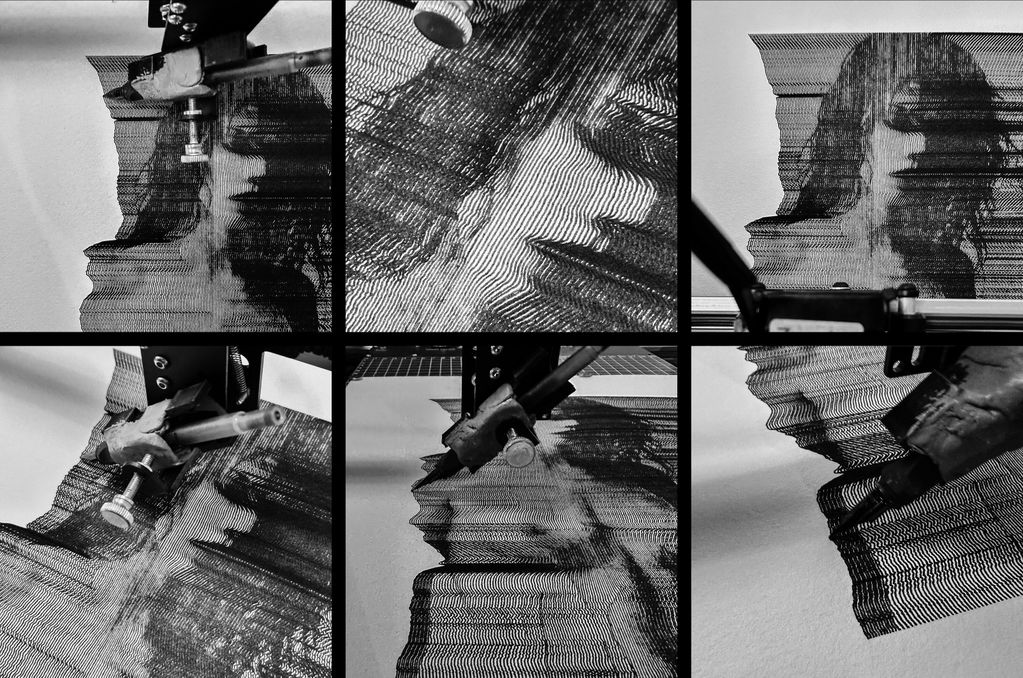
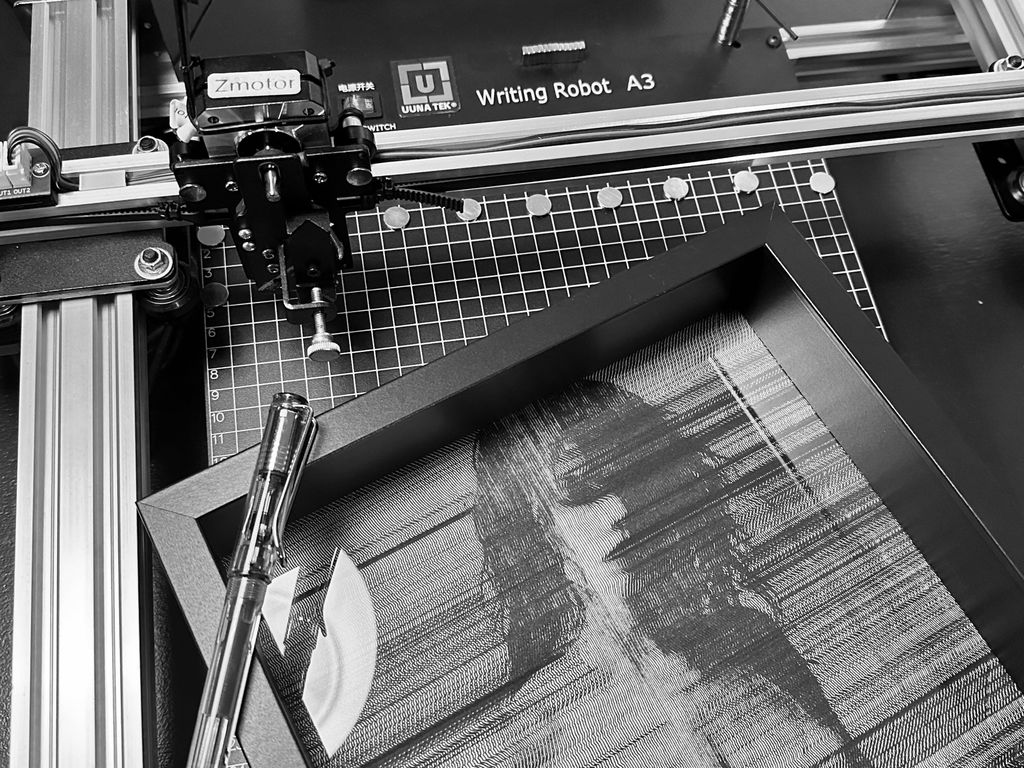
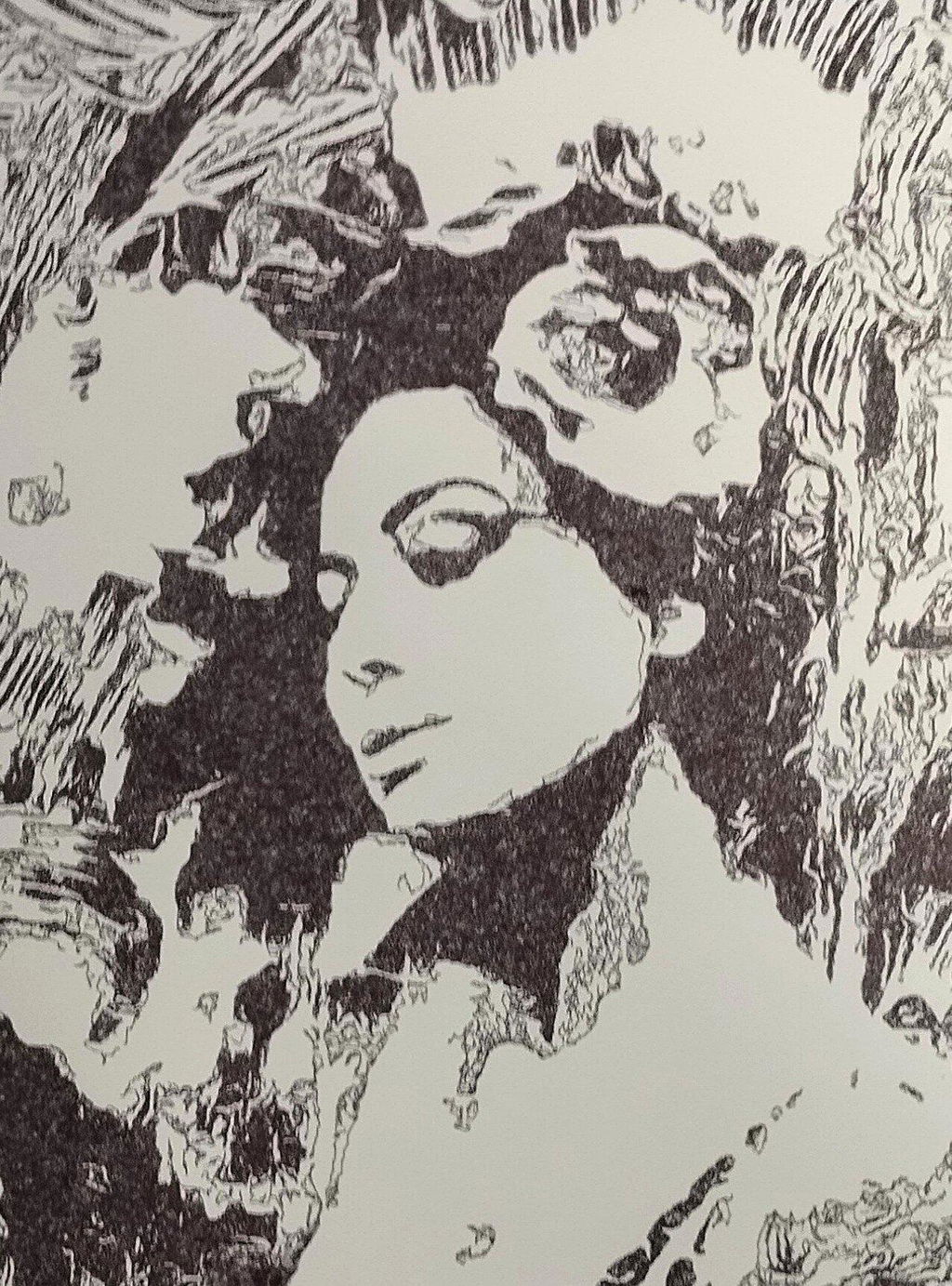
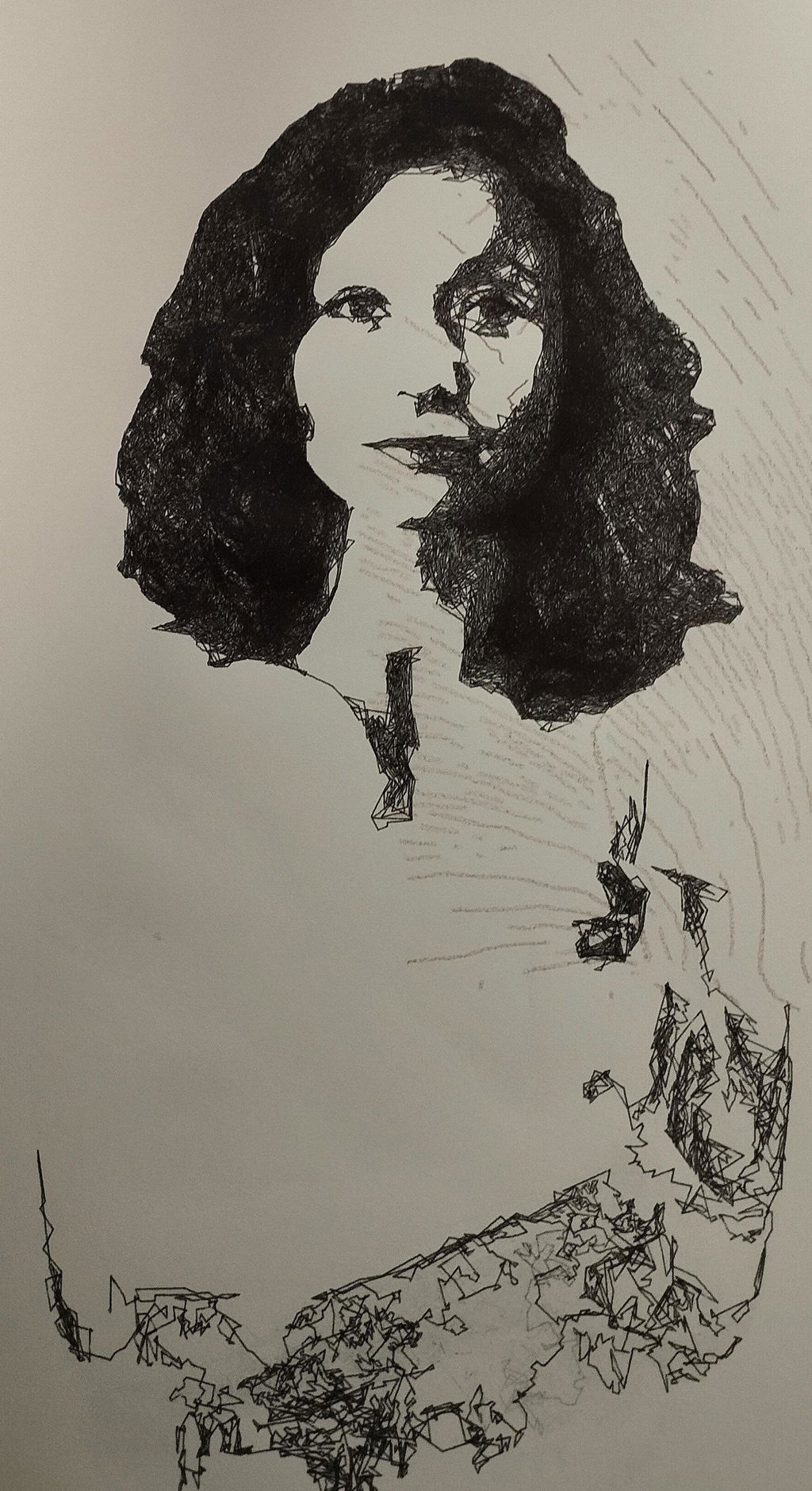
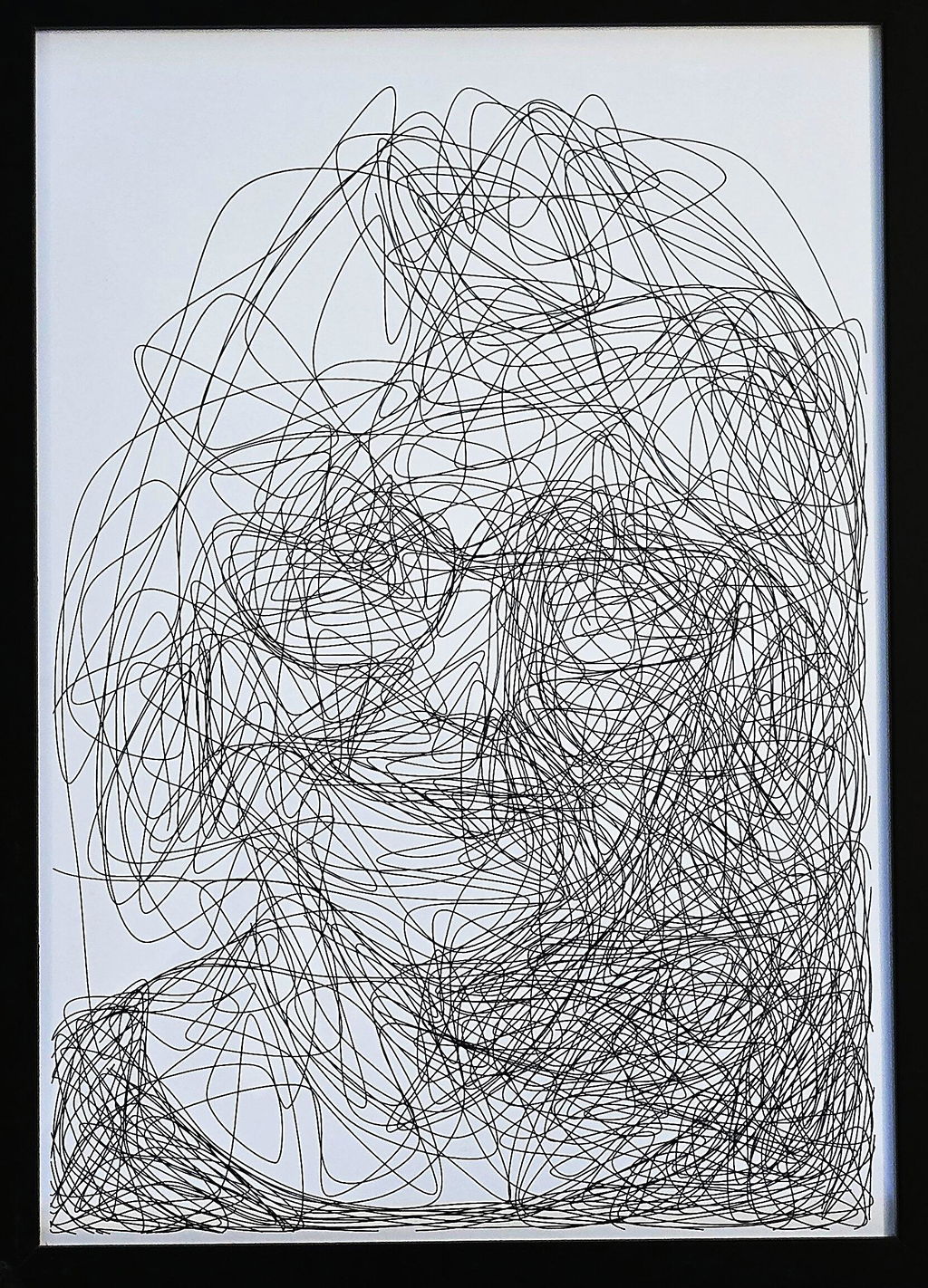
I use this machine to create fast, razor-sharp line-art portraits with a Lamy pen, and the speed and accuracy are impressive. For me, this machine feels like a perfect extension of my studio. It translates digital intention into tactile and expressive drawings. A brilliant bridge between my art and ink.
The product is easy to use. By carefully following the manufacturer's instructions, I was able to install the Inkscape plugin easily. Assembling the plotter is straightforward, but precisely adjusting the baseplate can be tricky. I managed to reduce the unevenness to within +/- 0.1 mm by manually bending the baseplate. I found that if the deviation exceeds this limit, the lifespan of the fine liner pens is significantly shortened because their tips wear down more quickly where the baseplate has a "bump". Therefore, it is recommended to level the plate before using it for the first time.
The plotter is user-friendly, and configuring its operating parameters is simple. At high speeds, the lines may become slightly wavy; however, this issue can be easily resolved by reducing the speed. The device provides a good estimate of the plotting time, making it easier to decide if slower plotting is acceptable.
The home function allows for precise positioning of the pen tips, and you can change the pen several times while working on a drawing. It is very helpful that only select layers can be plotted from the Inkscape drawing.
Overall, I am very satisfied with this product. After carefully setting up the device, one can create highly detailed and precise plots.
Reviews in Other Languages
Super eficaz!
Le prix des traceurs est un facteur essentiel à prendre en compte pour votre décision d’achat. Ne faites pas comme moi : j’avais commencé avec un petit traceur A4 bas de gamme (120 $, en pièces détachées à monter soi‑même). Avec cette machine, je ne pouvais à peine tracer des formats A5 alors qu’elle était censée gérer du A4. J’avais sans cesse des problèmes de calage, la précision laissait à désirer, et trop légère, elle bougeait au moindre mouvement. De plus, elle ne prenait pas en charge les fichiers SVG directement : il fallait passer par un encodage en G-code, un vrai parcours du combattant pour réaliser un dessin. Le résultat était le plus souvent frustrant.
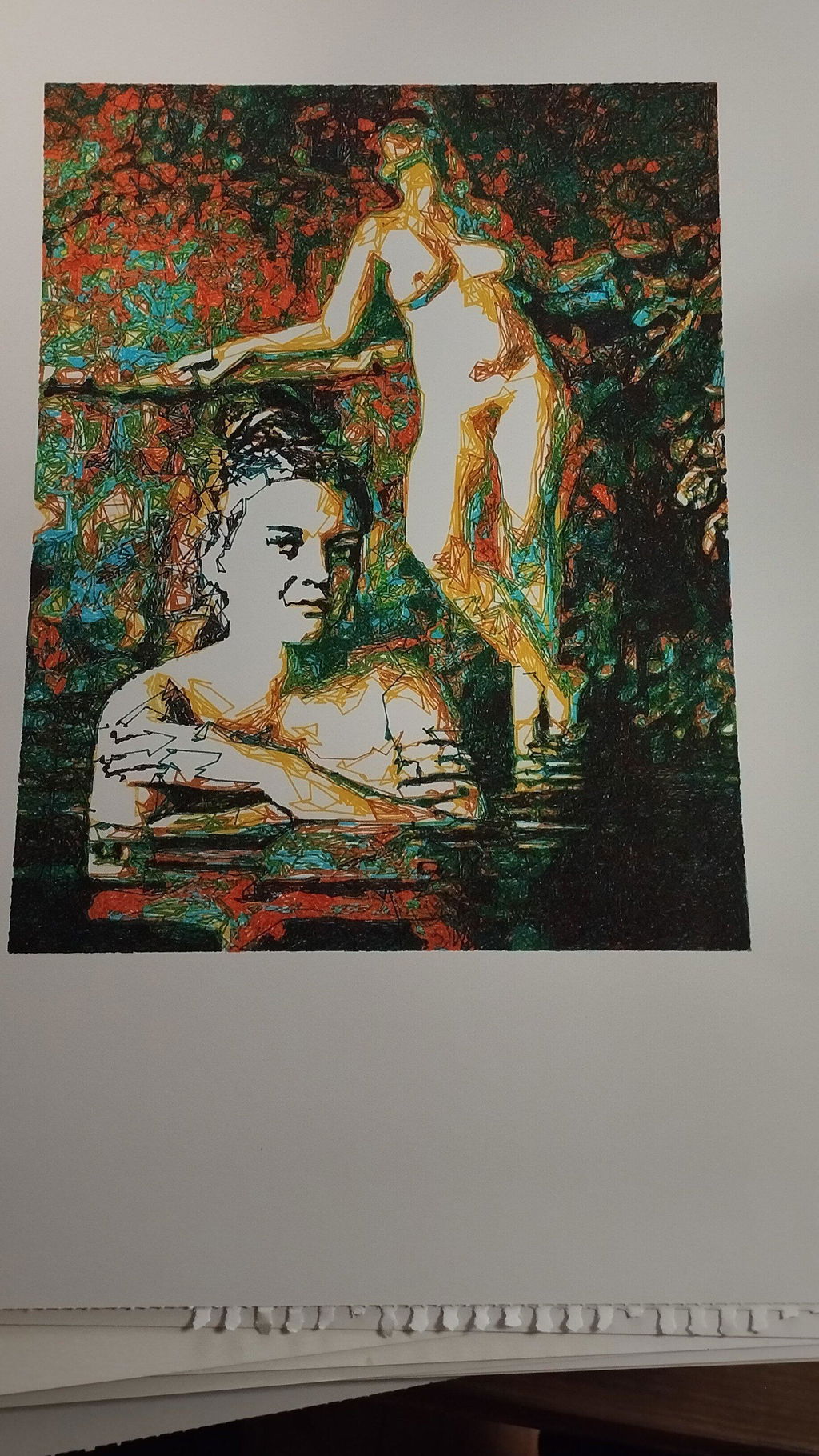
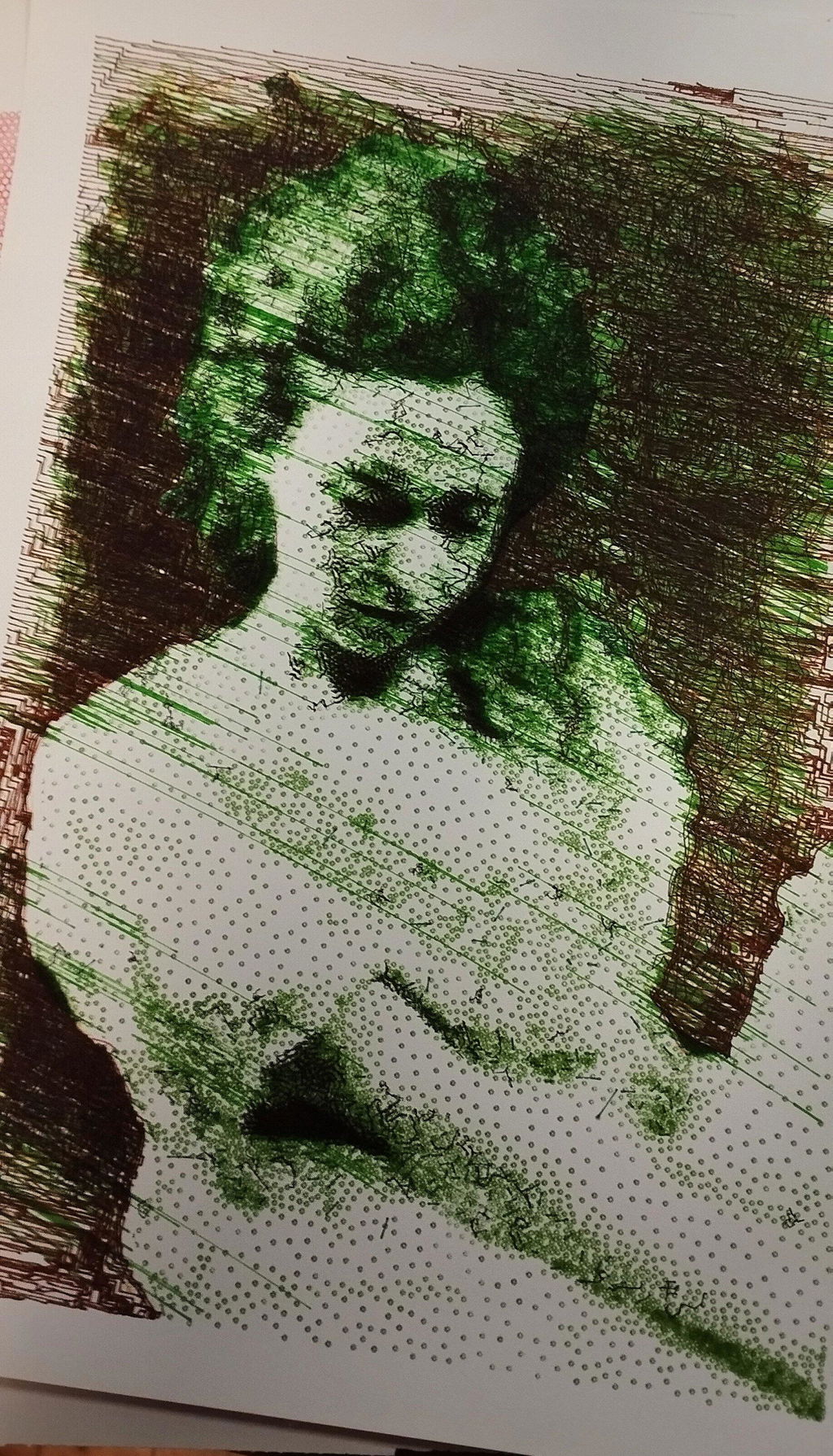
Puis j’ai découvert l’iDraw H A3. Je me suis retrouvé face à une machine totalement différente, bien plus qu’un simple plotter : elle était capable de transformer mes photographies et mes dessins en tracés physiques, précis et vivants. J’étais comme propulsé dans une nouvelle dimension créative. C’était le début d’un chemin où le numérique, la mécanique et l’expérimentation artistique se rejoignent pour former un véritable terrain de jeu et d’exploration.
Cette expérience m’a montré que l’investissement dans une machine de qualité comme l’iDraw H A3 est essentiel. Elle permet non seulement de travailler avec précision et sur de grands formats, mais surtout d’avoir la liberté de se concentrer sur la création et l’exploration artistique, plutôt que sur les problèmes mécaniques. Un investissement qui peut sembler élevé au départ, mais qui se traduit par un gain énorme de temps, de sérénité et de plaisir créatif.
Since working with an Idraw H A3, I have nothing but praise to give to Uuna Tek for their work. It works all the time, every day, always precise, silent and so fast! Super easy to learn, even for beginners, and excellent support. I had already installed the software part and once unboxed, I made my first drawing in a few minutes. THANKS
Depuis que je travaille avec une Idraw H A3, j'ai seulement des éloges à faire à Uuna Tek pour leur travail. ça fonctionne tout le temps, tous les jours, toujours précis, silencieuse et tellement rapide! Super facile à prendre en main, même pour les débutants, et excellent support. J'avais déjà installé la partie logiciel et une fois déballée, j'ai fait mon premier dessin en quelques minutes. Merci