
I believe this shipment came from China, which I didn't trust 100% to get here. It got here but the insurance wasn't a bad idea.
UUNA TEK 3.0 A3 Preassembled Premium All-in-One Pen Plotter Drawing Robot with WiFi & SD Card – Compact, Quieter, Faster, More Precise
The outer box arrived torn and damaged.
Great machine. We got everything set up and have been writing notes for about one week. I'm very impressed.
Amazing plotter, fits all sizes of paper, so you won't need to upgrade later to a larger size. Great packing and easy installation.
The machine works nicely. The software takes a bit of getting used to but is easy once you get the hang of it. It works very well for personalized letters and the team was very prompt in helping us along the way. Service as well as product have exceeded our expectations. Would definitely recommend!
I'm happy with this machine. after getting used to the setup, it works well and the drawing results are excellent. I'm enjoying experimenting with different pens. Good for creative artwork.
Solid construction, precision beyond imaginable. Assembly took 45 minutes, and there is documentation to follow. Software setup was super easy and got it drawing almost straight out of the box. Felt accompanied all along the purchasing and delivery process
After a few weeks with the iDraw 2.0 A4 I'd buy it again.
Setup was straightforward. I work on a Mac with Inkscape, and the extension did what it was supposed to do without a fight. The documentation is the part I want to highlight. It's clear, it's written for people who have never done this before, and it doesn't skip the steps that matter.
The pen clamp holds very well, so you can try different pens until the result looks the way you want. You do need small adjustments depending on paper weight. Precision has been consistent across everything I've run through it.
One more thing worth saying: the contact with UUNA TEK is personal. Emails get answered very fast!
Das Produkt macht was es soll ohne größere Probleme.
SW Updates werden kontinuierlich durchgeführt und die GUI verbessert sich immer weiter.
Das Produkt ist so aufgebaut, dass schnell Ersatzteile ausgetauscht werden können.
Insgesamt eine super Sache und für meine Bedürfnisse genau das Richtige.
The UUNA TEK 3.0 Machine arrived very fast and it's very well built and silent, I had a question about it and the team was very kind to send me videos explaining and help me with my question, I strongly recomend it!
I had been using my UUNA TEK iDraw H0 for a few months with no issues, it worked great and was easy to set up. When I added the laser attachment, I unfortunately ran into an electrical issue that fried the motherboard. Tony from tech support helped me diagnose the problem over Zoom, and they quickly sent me a replacement motherboard at no cost. We then determined the laser itself was the source of the problem, which they also replaced.
I’ve honestly been really impressed with the level of tech support. I use the plotter regularly for my artwork and was pretty disappointed when it stopped working, but with Tony’s help I was back up and plotting within just a few days. Great machine and even better customer support.
I've been working with Tony at iAuto for a couple of months now. I bought one of their handwriting machines, and I'll admit I'm not very tech savvy, so the level of customer care they've provided has been remarkable.
You might expect that once an overseas company makes the sale, any problem afterward gets a quick "sorry, have a good day." Not the case here. Even with a nearly 12 hour time difference, they've been consistently responsive whenever I've needed help.
In fact, I'm now buying a second machine. That's how much confidence I have in this company. I highly recommend both the machine and the people behind it, and I have to tip my hat to Tony. He's a total professional.
I'm a RE broker. My first batch of 50 letters brought a phone call from an owner now talking to me about selling — a deal that would carry roughly $40,000 in gross commission. These letters get opened.
This is not a printer. It's a spring-loaded clamp holding an ordinary ballpoint, on a gantry that moves the pen like a hand. You can feel the writing on the back of the page.
Ships in a plywood freight crate and sets up in ten minutes. Handles #10 envelopes and letterhead, writes cleanly around a pre-printed logo and footer. About 72 seconds per envelope, under 5 minutes per letter.
Best hidden feature: a local HTTP API with plain-JSON layouts. I used Claude Code to build a custom app that runs my whole mail room, and I don't write code. It also walked me through importing free commercial handwriting fonts — fast, and the quality is excellent, so you aren't limited to the eight in the box.
Fair warnings: you need a good database — the machine faithfully writes whatever junk you feed it. Load one spare sheet per stack; the feeder can miss the last one. And I've only had it a short while, so I can't speak to long-term durability yet.
Absolutely worth the money.
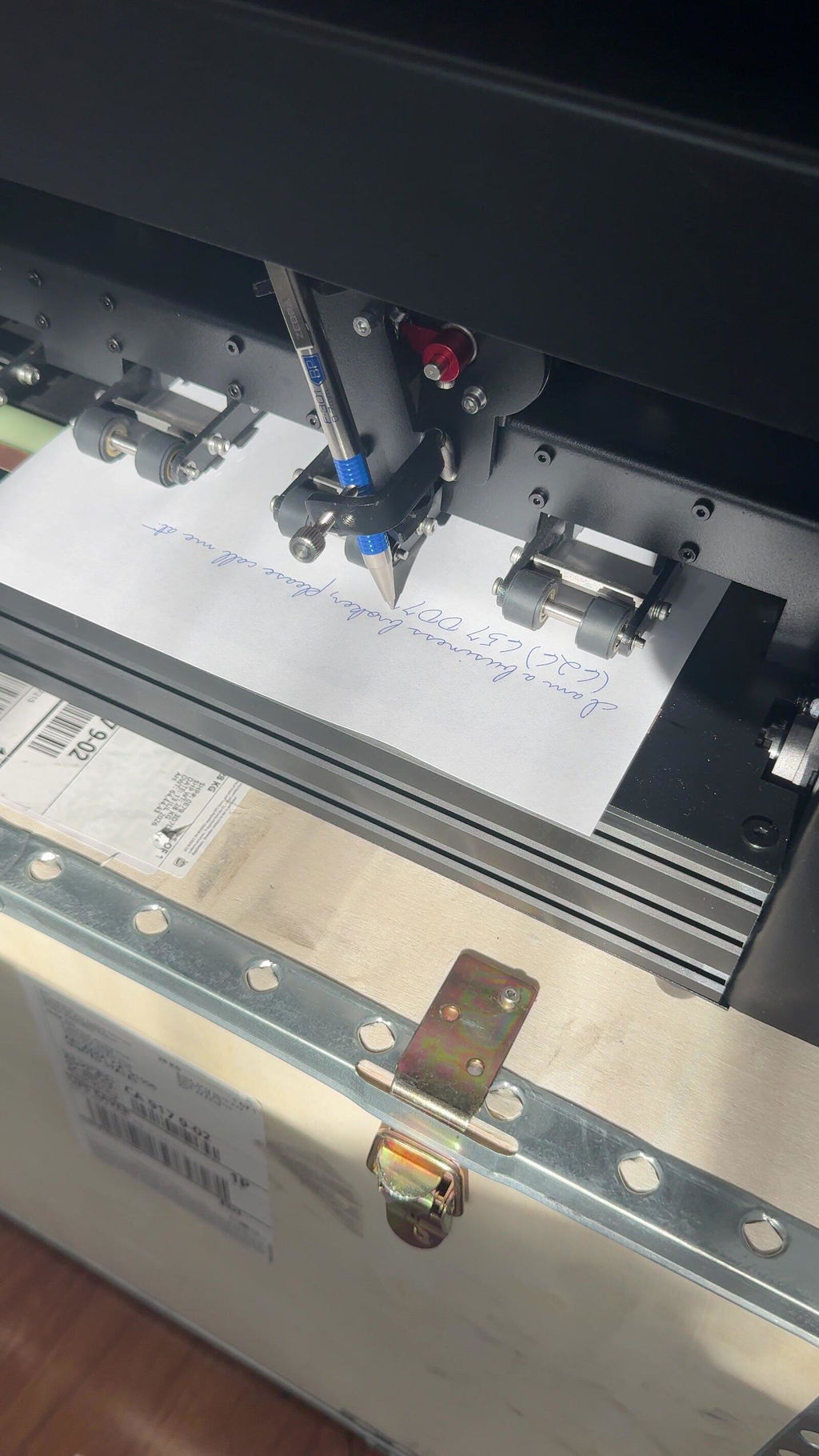
We’ve had the iAuto Plus for about 10 months now and have run 10,000+ pieces through it. Overall, really happy with it. The actual machine is built well and the writing looks great because, well, it’s literally a real pen writing it. There is a bit of a learning curve and the software could be better, but once you get your setup figured out it works really well. Would definitely buy again. My tip is to get CREATIVE. If you do any kind of sales, marketing, customer appreciation... it will pay for itself fast.
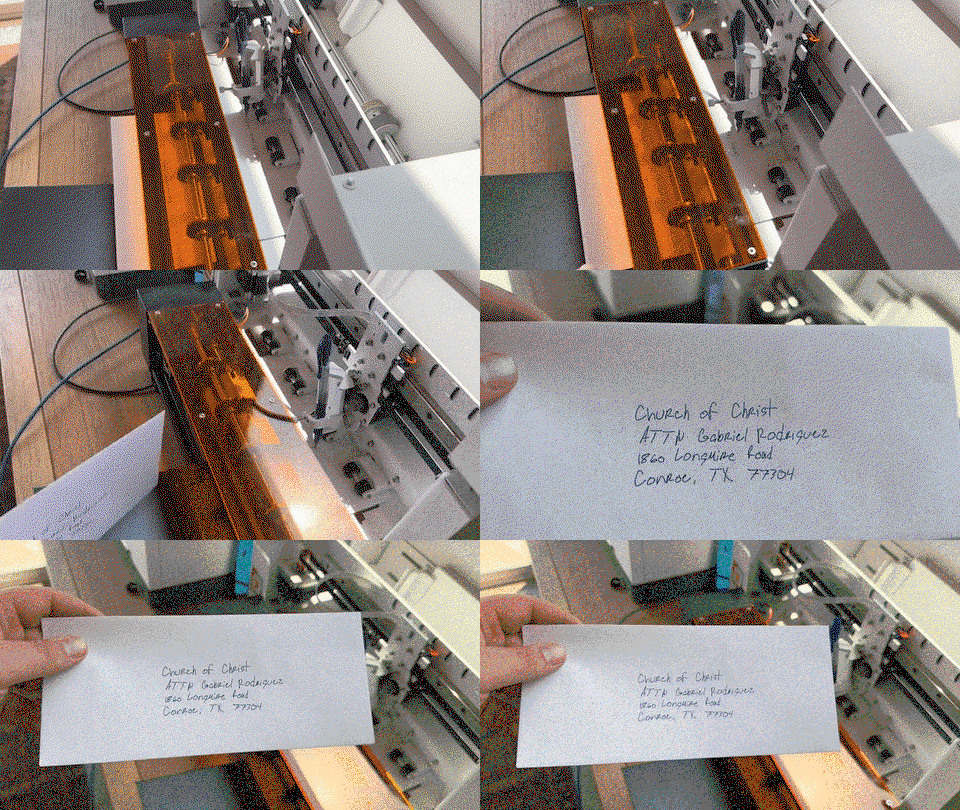
I have been using both the A3 and the massive A1 versions of the UUNATEK (iDraw) 3.0 Pen Plotter extensively in my creative setup. From postering and photographic vector plots to personalized art gifts, small-batch quotes, and holiday cards, these machines offer a level of precision and material versatility that consumer printers simply cannot match.
TXT
+ 1
Unboxing, Build Quality & Hardware
Rock-Solid Construction: The build quality is exceptional—industrial-grade, all-metal, extremely sturdy, and featuring superb cable management that other manufacturers should take note of.
TXT
Setup: Ready to use right out of the box with no assembly required. The A3 model weighs a manageable 11 kg, making it portable enough for events. The A1 model is a heavy-duty 32 kg beast shipped in a wooden crate—definitely a two-person setup, but once it is in place, it is built to run reliably for years.
TXT
+ 2
Design Features: The A3 version includes printed alignment guides on the bed, which makes placing paper straightforward. (I do wish the A1 model had similar markings).
TXT
+ 1
Quiet & Efficient: Both machines operate quietly with very low power consumption (around 20–30 W), making them easy to keep running nearby while working.
TXT
Pen Holder & Versatility
The universal pen holder is well thought out, accommodating pens up to ~17 mm in diameter—ranging from fountain pens, gel pens, and Sharpies to pencils, brush pens, and ballpoints. With up to 40 mm of vertical clearance, you can easily plot on thicker media like canvases, wooden panels, or rigid board. For thinner gel refills, swapping in a slightly longer thumbscrew solves any clamping issues effortlessly.
TXT
+ 2
Software, Control & Workflow
The official software is feature-rich (layer management, pen-change pauses, pressure control, SVG/DXF imports), but the user interface feels dated and clunky, especially on macOS where it lacks native file dialogs and touchpad gesture support.
TXT
However, a major advantage over other machines on the market is that the controller uses standard GRBL. Because it is open to third-party control, you are not tied exclusively to the proprietary software; for example, it works smoothly with software like LightBurn. Combining vector generation tools like DrawingBotV3 with these plotters unlocks tremendous creative capabilities.
TXT
+ 2
Customer Support
The manufacturer's support team is fantastic. Every inquiry I submitted was answered within 24 hours with helpful links, screenshots, or documentation. They genuinely care about their users, and I am confident software improvements will follow.
TXT
+ 2
Verdict
If you are looking for a precision tool to produce physical, pen-drawn artwork or automated direct-mail designs with true human character, the UUNATEK 3.0 is a phenomenal investment. The A3 is the ideal sweet spot for most creators, while the A1 is an unbeatable workhorse for large-format pieces or batching dozens of smaller items in a single run.
My favorite pen sat in a drawer forever—simply because my personal handwriting is terrible. But for client outreach, personalized direct mailings, and batch letters, the impression of real ink on paper cannot be replaced by printer toner or inkjet output. That is why I picked up the iAuto PenPlotter and tested it thoroughly in real-world workflows over the past few weeks.
Hardware & Build Quality
The hardware is an absolute powerhouse. Weighing around 22 kg, the machine stands like a tank—solid, heavy-duty, and exceptionally well built. The motors are powerful and drive the pen with pinpoint precision, even during multi-hour jobs on thick paper stock.
The absolute game-changer for batch mailing operations is the automatic feeder. You can load up to 80 sheets of paper or about 30 envelopes (up to A3 format) and let the machine run autonomously. In combination with Excel spreadsheets for customized greetings and text blocks, it saves immense time.
Writing Quality & Look & Feel
The output is fantastic. Since you can use virtually any real pen (fountain pens, gel pens, fineliners, ballpoints), you can see and feel the authentic ink laydown and light paper indentation. Using the software, character variations, word spacing, and line spacing can be randomized slightly so the text doesn't look robotic—it is practically indistinguishable from actual human handwriting.
Software & User Experience
While the hardware performs at a top-tier level, the software currently slows down the creative flow a bit:
On macOS, it lacks the standard OS file dialog with quick previews (QuickLook).
Touchpad navigation gestures (zooming/scrolling) aren't as smooth as expected.
Bluetooth connection setup can occasionally be finicky before starting. However, once the connection is established, the machine runs rock-solid for hours.
Highly Positive: I shared a detailed feedback list with the team at UUNA TEK and had a two-hour video call with them to walk through every point. The developers take user feedback very seriously and are actively working on software updates. Since software is much easier to polish via updates than hardware, I am very confident moving forward.
Verdict
The iAuto PenPlotter is a specialized professional tool in a class of its own. For anyone looking to produce handwritten mailings, invitations, or personalized client letters at scale, this machine delivers authentic, impressive results. If you are willing to overlook a few minor software quirks (or wait for incoming updates), it is an outstanding piece of equipment.
We purchased the Uuna Tek iAuto to add an authentic, personal touch to customer shipments, mailings, cards, and postcards for our business outreach initiatives. At its price point, it offered a very affordable way to scale handwritten messaging without sacrificing quality.
Workflow & Software
Custom Messaging: We write standard messages using an XP-Pen tablet in Adobe Illustrator, export as SVG files, and send them directly to the machine.
Mail Merge: For addressing envelopes, we use the mail merge feature coupled with a custom font created using Uuna Tek's online generator app.
Learning Curve: Expect a brief setup and learning process. Adjusting layout and orientation per project takes some fine-tuning, particularly to ensure the rollers maintain a firm grip when writing close to the edges.
Hardware Performance & Practical Tips
Paper Feeding: When working with thicker stock (like 12pt cardstock), giving the cards a subtle concave bend before loading greatly improves feeding consistency.
Pen Selection: The machine accommodates a wide variety of pens. Hard-body pens hold up best and stay secured; if you use basic disposable pens like cheap Bics, make sure to clamp them tightly to avoid slippage during long jobs.
Essential Accessory: The Automatic Paper Dropping Accessory is a must-have for unattended operation. Without it, the unit can only handle a few pieces before pages pile up and cause ink transfer. Propping the back of the machine up slightly helps heavier stock drop cleanly into the output stack.
Build Quality & Maintenance
This machine is built like a tank. The solid metal housing and heavy-duty internal components feel extremely durable. The feed rollers are large, grippy, and easy to keep clean.
During a recent peak week, we ran over 5,000 postcards through the machine in 7 days, and it performed smoothly without a hiccup. The included extra parts kit offers great peace of mind, and Uuna Tek's official YouTube channel makes self-maintenance straightforward.
Verdict
If you are willing to learn the nuance of layout setup and pair it with the paper dropping tray, the iAuto is a true workhorse. We look forward to getting years of reliable use out of ours!
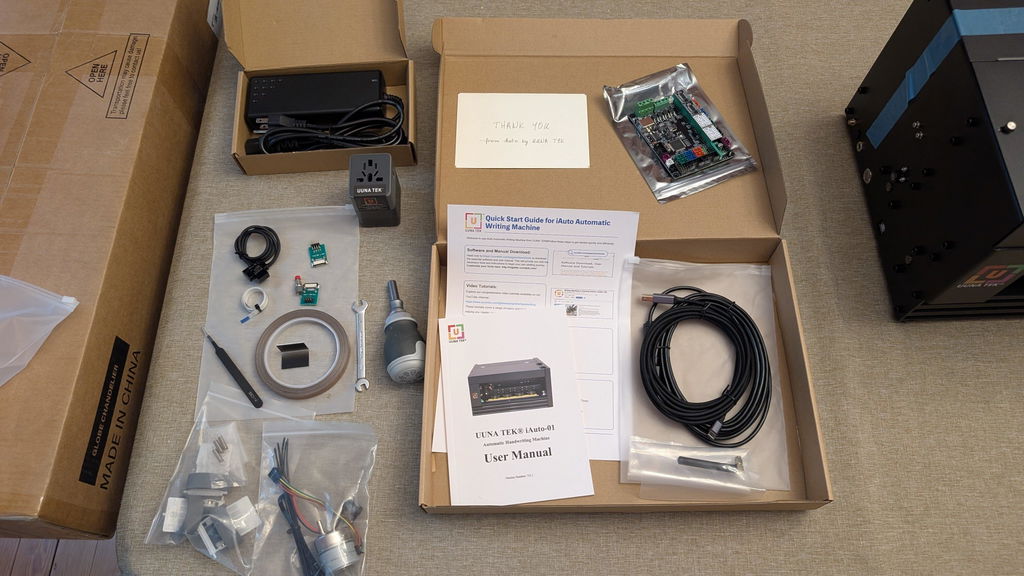
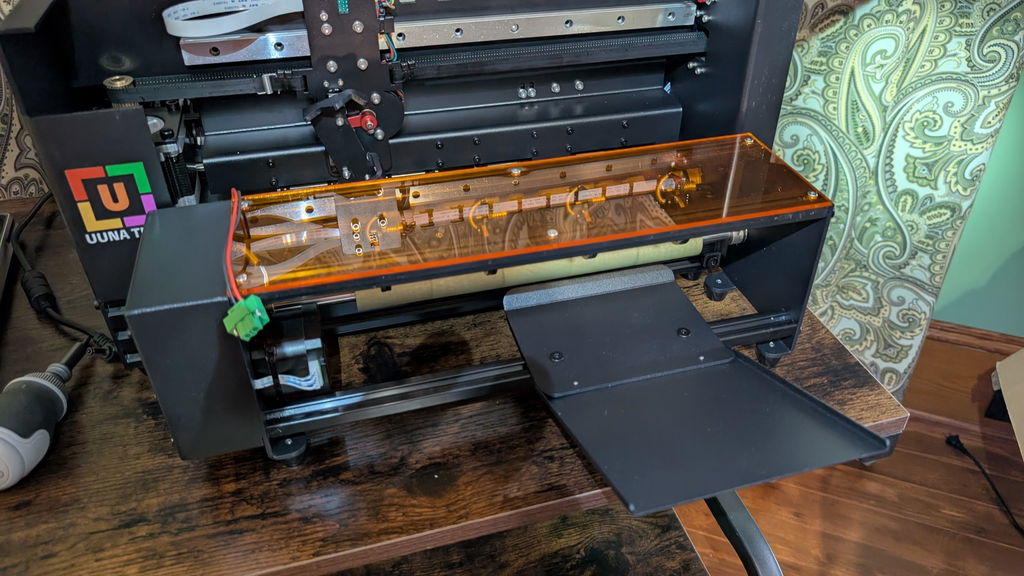
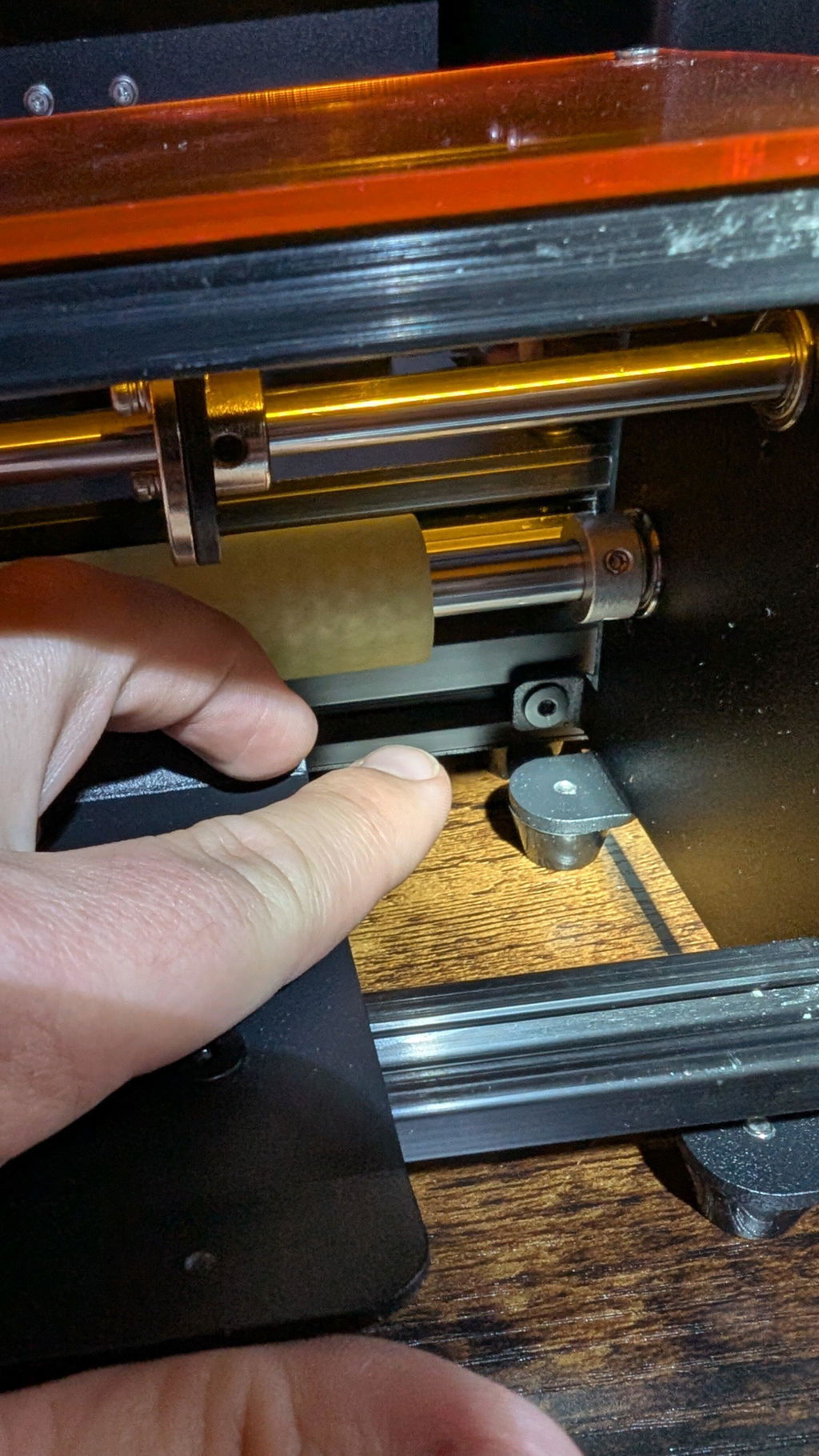
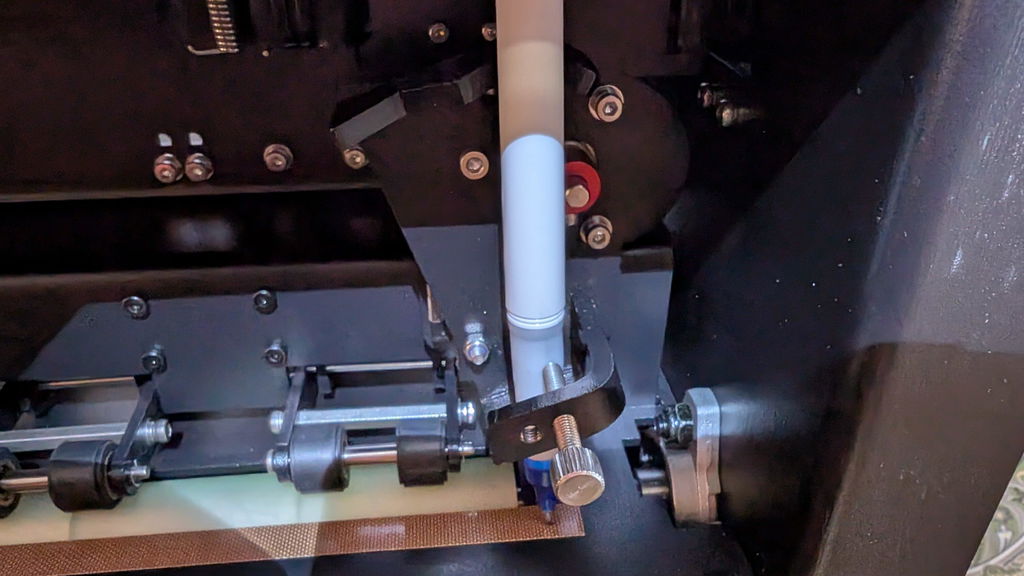
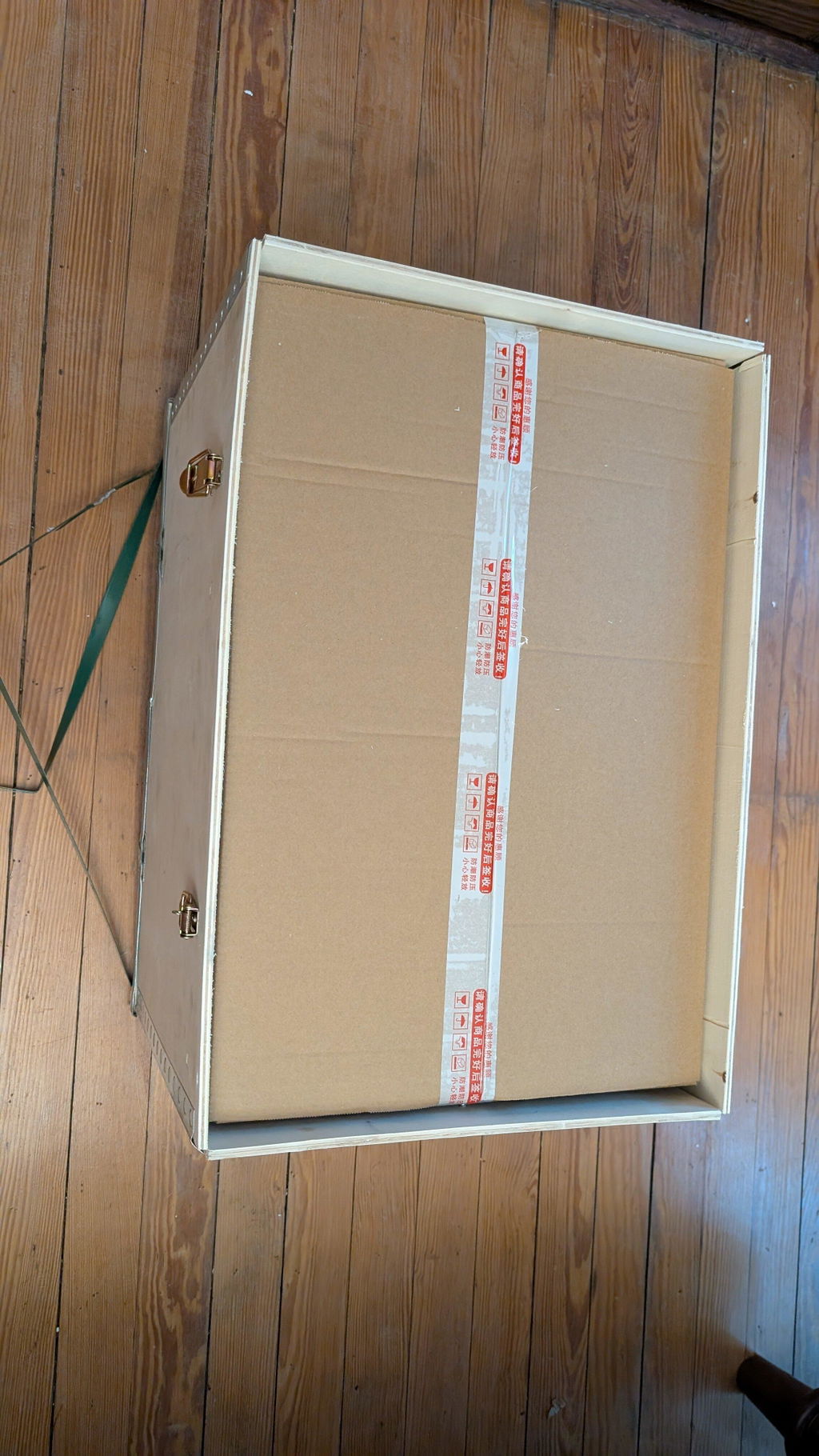
This arrived in a very timely manner and was packaged extremely well. No damage, everything.There, can I wait to put it to good use
The product showed app in a very reasonable amount of time. The packaging that it came in was outstanding. It was
Super thick Styrofoam, on all 8 corners, 4 corners, top 4 corners, bottom. And what's put inside a very sturdy cardboard box?It was then placed inside a extremely sturdy wooden crate.
We could not be happier with our experience with UUNA TEK. From the very beginning, their customer service exceeded our expectations. The CEO was incredibly accommodating and took the time to answer every question we had throughout the process. Any time we reached out, we got a quick response, which gave us real confidence in both the company and their product.
The machine itself has been outstanding. The writing quality is remarkable and genuinely looks handwritten. We spent a lot of time researching different writing machines before choosing, and we’re so glad we picked UUNA TEK. The precision, consistency, and overall quality have been exactly what we hoped for.
We recently launched our company, Only Beautifully Written, where we turn our customers’ words into beautifully handwritten keepsake cards mailed directly to their family, friends, and clients. The UUNA TEK machine has become essential to our business. It delivers the authentic handwritten look our brand promises.
If you’re considering a writing machine, we wholeheartedly recommend UUNA TEK. Their support is exceptional, their product performs exactly as advertised, and they truly care about their customers’ success.
I have been using my UUNA TEK iAuto for a year now.
The software feels a little old-fashioned at first. However, once you understand how it works, the machine and software performs flawlessly. So far, I have written around 20,000 cards with it, and it has proven to be extremely reliable and robust.
After intensive use, I encountered an issue with the paper-feeding mechanism. I contacted UUNA TEK support via WhatsApp, and they responded immediately. They quickly sent me the necessary replacement parts, along with a clear tutorial explaining how to install them. Once I replaced the parts, the machine was fully operational again.
UUNA TEK is a highly professional and trustworthy company. They manufacture solid, reliable machines and provide excellent customer service.
I recommend them 100%.
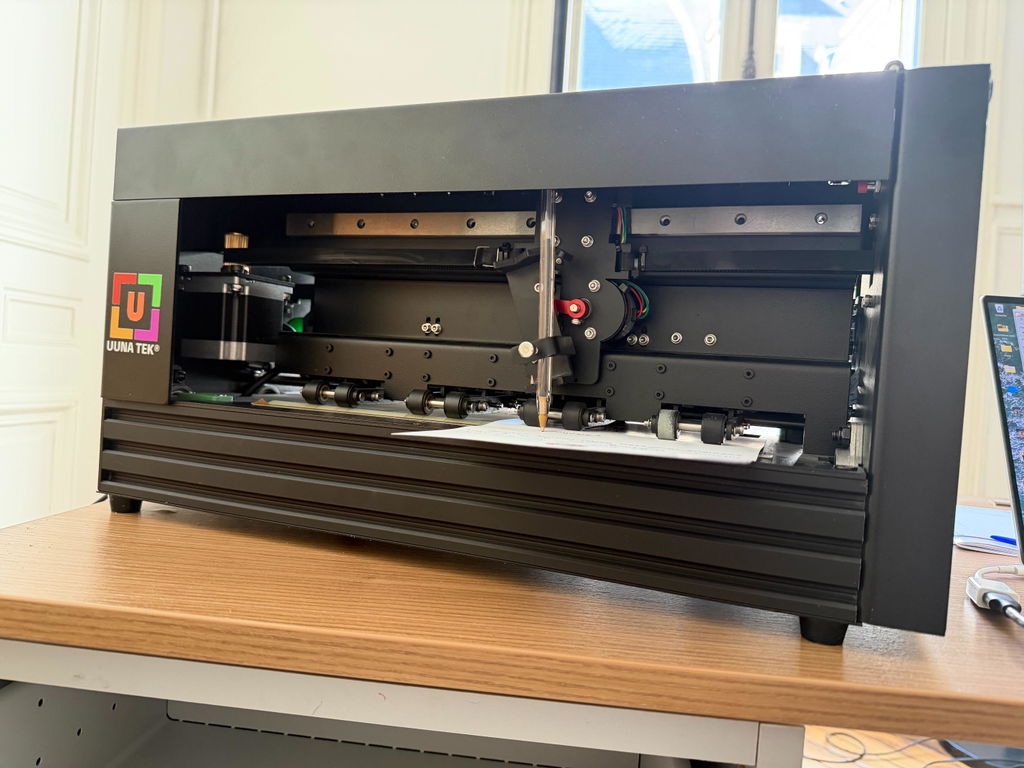
The iAuto handwriting machine is a genuinely impressive device. Build quality is solid — it feels durable right out of the box, and the learning curve is surprisingly gentle even for first-time users. There's something oddly satisfying about watching it work; the mechanical motion holds attention in a way that a printer never could. For outbound sales mail and handwritten thank-you notes, it delivers exactly what you'd want: a personal, human touch at scale without the wrist fatigue. It took me about 30 minutes to get unboxed and set up.
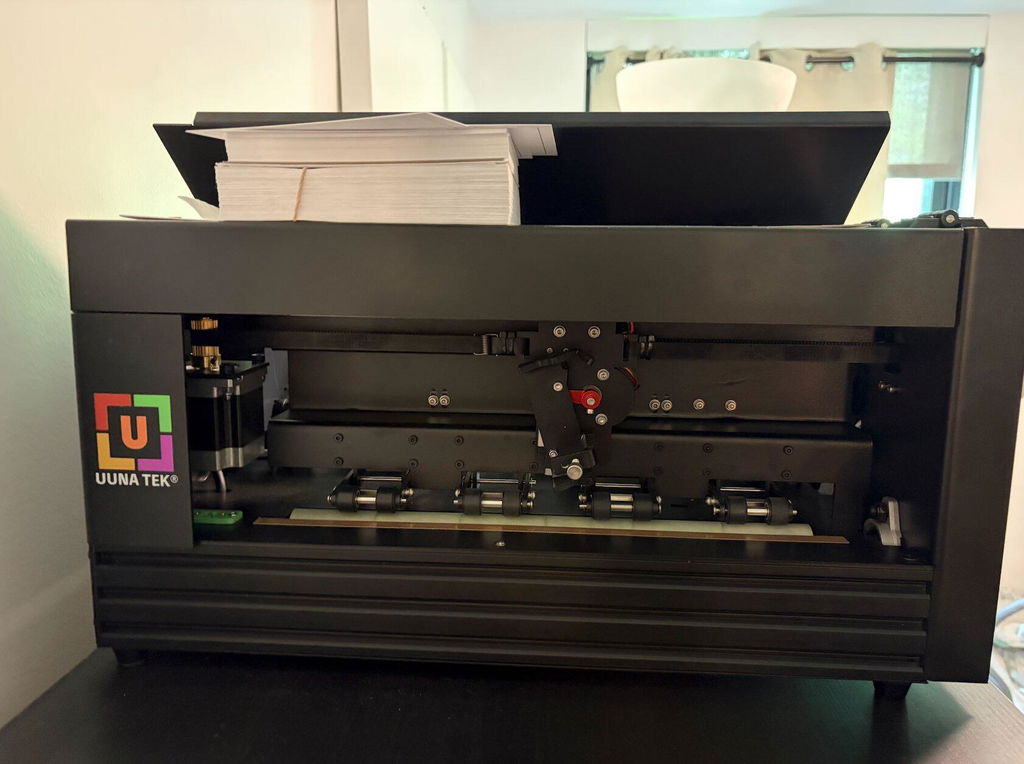
I bought the iAuto for business purposes. The goal: Write custom messages on hundreds of postcards to make them feel more personal. I was unsure if this machine would be sufficient, given the comments about the rather outdated-looking software.
When the machine arrived here in the Netherlands, I could get it to run within less than five minutes. Something unimaginable for B2B machinery nowadays. This doesn't mean it lacks customization, though. I managed to create and set up an additional font and custom page sizes even without a tutorial.
When it came to customizing 300 cards, I watched a YouTube tutorial and had everything running within 15 minutes. This machine only slipped up once during the seven hours it took to write 300 detailed A6 postcards! This is quite impressive.
While the software does need some getting used to, it is by no means outdated or unusable.
The support replied quickly during the delivery process and was always eager to help if anything was needed.
I would definitely recommend the iAuto to anyone who needs this for semi-professional or incidental use.
It works perfectly. I'll put it to good use.